NFSHPR - Discord RPC
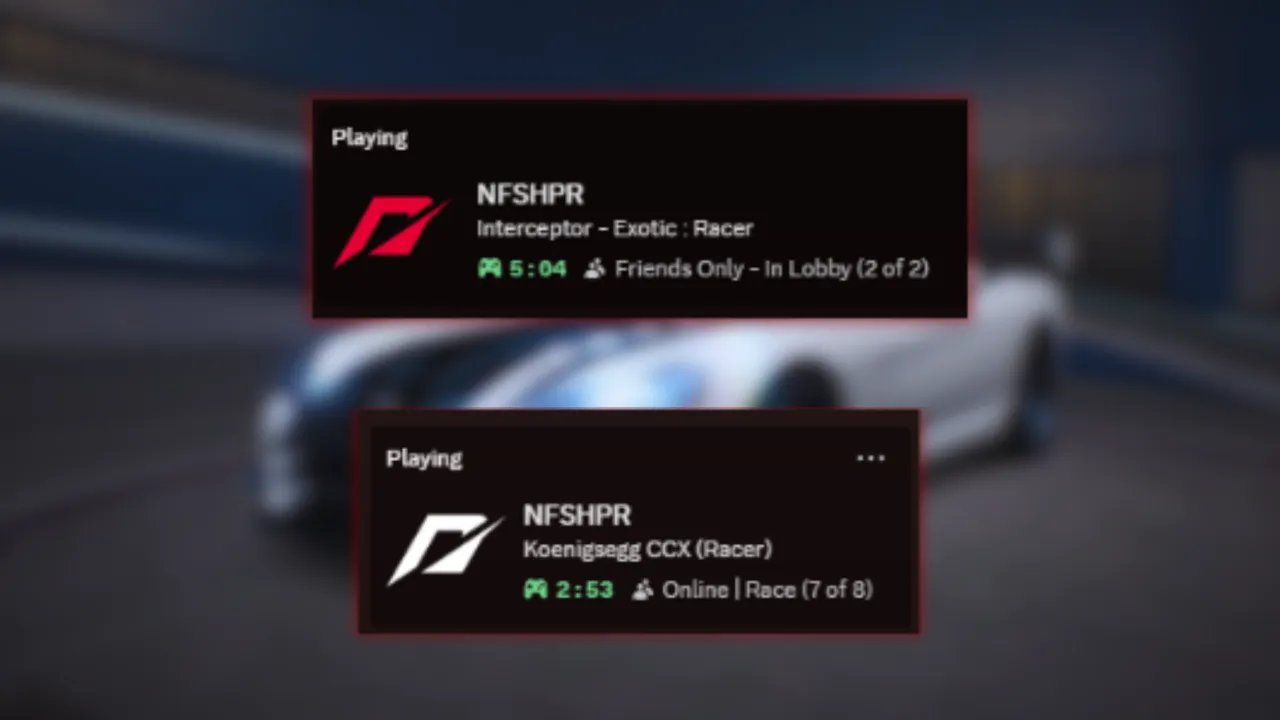
A Discord Rich Presence integration plugin using Discord’s Social SDK for Need for Speed: Hot Pursuit Remastered.
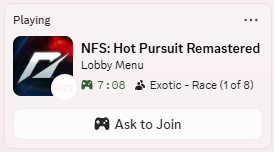
This plugin integrates your in-game status into Discord’s activity system, giving user real-time status to what they’re doing in the game.
Also providing additional Quality of Life such as Discord Game Invite system to be able to invite anyone on Discord to your in-game lobby without needing to use the EA App.
Features:
- Mod Support: Supported modded language file, will show the modded string instead of vanilla
- Game Invite: Invite/Join anyone on Discord through the Discord Game Invite system. (Other person also need this plugin to accept the invitation.)
- Status: Show currently playing track/car in real-time.
- Multiplayer: Show your in-game username and lobby info. (Toggleable)
Installation:
Extract the plugin archive into your game folder and launch to generate config file.
Configuration:
You can customize your status through scripts\HPR - Discord RPC\rpc_config.ini in any text editor.
FAQ:
- Why I don’t have an invite option in Discord?
Make sure to turn on Share my activity in your Discord settings.
- Why the Join button doesn’t do anything for my friend?
The other person will also need this plugin in order to accept the invite.
- Can I hide myself from showing inside the Discord invite?
Yes, either turn off your activity or set showPartyInfo inside the config to 0.
Permission:
Recontribution is allow but please credit me or link to this page.
Source code for this plugin isn’t available due to exploit vulnerability.
If your status doesn’t look the same as in the image,
please check if you still have the old version installed or not and uninstall them.
(eg. NFSHPR DiscordRPC Rework.asi, NFSHPR - Discord RPC.asi)
or check if you have multiple instances of Discord running or not.
Comments

ayydinn (August 04, 2026 @ 15:29)
im having the same issue, it doesnt show the car name only track, player and in event
AkaSokuro (July 02, 2026 @ 11:35)
Thanks for providing the image, that looks like you're still running the old version of the plugin.The new version should have track/car name in all uppercase since it loads the text from game's language file.
Try find the old file either in scripts folder or beside the game executable (NFS11Remastered.exe) and remove it.
It should look like this:
https://files.catbox.moe/nrn9vt.png

Avxln (July 01, 2026 @ 23:03)
Thanks for the response. I tried the latest version but still can't get to show the car's name on the Discord status.The values on my rpc_config.ini are still the same.
Attaching image for better reference.
https://i.imgur.com/9E4H7nh.png
AkaSokuro (July 01, 2026 @ 13:44)
Hi, Avxln. Thanks for the report. The issue should be fixed in the latest version now!
Avxln (June 30, 2026 @ 23:40)
Most recent version of the script not showing current car name on Discord although the feature is enabled in the configuration file.(f2faea-HPR - Discord RPC - R-2.0 Latest Version)
rpc_config.ini
[Display]
showPlayerName=1
showCarName=1
showTrackName=1
showGameMode=1
showPartyInfo=1
showSmallIcon=1