Non-Repetitive Races
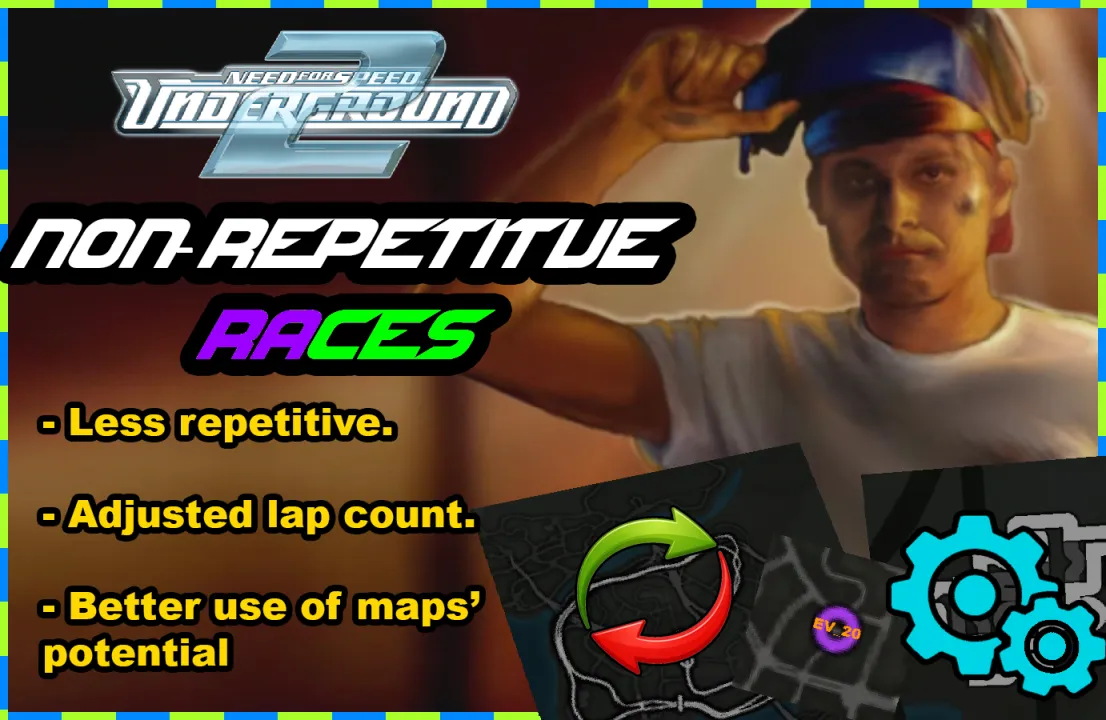
Non-Repetitive Races
‘Non-Repetitive Races’ is a modscript that changes the order, direction, and lap count of all races so they no longer feel repetitive. My goal when making this mod was to remove those tracks that kept repeating over and over in the same stage, especially the Drift and StreetX events, making the campaign feel fresher than the original.
Main changes:
- Race redistribution: Races now repeat as little as possible within each stage and throughout the entire campaign.
- Track inversion: If a track is repeated, it will now run in the opposite direction, making the same track feel completely different.
- Modification of highly repetitive races: Many StreetX and Drift races have been converted into Circuit or Sprint. This reduces repetition and allows inverted tracks to be placed in the available slots of the campaign, where there was previously no space for them.
- Lap adjustment: Races now last around 3 minutes, preventing them from feeling too long and repetitive, as some used to last over 6 minutes.
- Underground Racing League (URL): Races have been reordered to reduce map repetition and balance the total duration of each race. Each URL combines several tracks of varying lengths (short, medium, and long), and they are now arranged so that all races last approximately the same time, preventing some from feeling too short and others too long. This ensures a consistent and varied experience without repeating the same tracks in the same order.
Mod options:
- Canonical: Keeps most Circuit and Sprint races in their original order, eliminating repetition without altering the campaign’s fidelity.
- Progressive: Orders campaign tracks from shortest to longest for a smoother pacing.
- Uninstall: Includes an uninstaller that restores everything exactly as it was if you decide not to use the mod.
How To Install:
- 1) Download and install the latest version of Binary by MaxHwoy.
- 2) Open Binary and set it to "user mode."
- 3) Inside the folder, find the .end file named "Non-RepetitiveRaces.end."
- 4) Find and select the folder containing Need for Speed Underground 2.
- 5) The installation window will appear. Select whether you want to install or uninstall the mod.
- 6) Several windows will appear; just click "Accept," then "Yes," and then "No."
- 7) Done.
If you encounter any issues with the mod, I’d appreciate it if you let me know so I can fix them quickly.
Do whatever you want with the mod. I didn’t create the game or its code. All I did was tweak some values in Binary to suit my own taste, and I’m just sharing it with you.
Comments

KNDJoshStrix (June 01, 2026 @ 03:10)
An incredible mod without a doubt makes Underground 2 feel fresher, I don't know if it's a bug but in some races, despite the difference in distance (8 seconds of distance or more) the game does not give you 300 reputation points. It may be a bit silly, but knowing that these points affect the number of sponsors and also getting the best ones, a mod to fix reputation points would be good.Un mod increible sin duda alguna hace sentir mas fresco al underground 2, no se si sea un bug pero en algunas carreras

Kvarkmeister (February 27, 2026 @ 20:57)
epiiiiiiiic
HectorDreemur16 (February 27, 2026 @ 06:22)
@Ry03nke1 All except Adjusted Lap Count.