Most Bounded UI
more...
MOST BOUNDed UI
v0.0000000013
NFS Unbound UI -> NFS MW
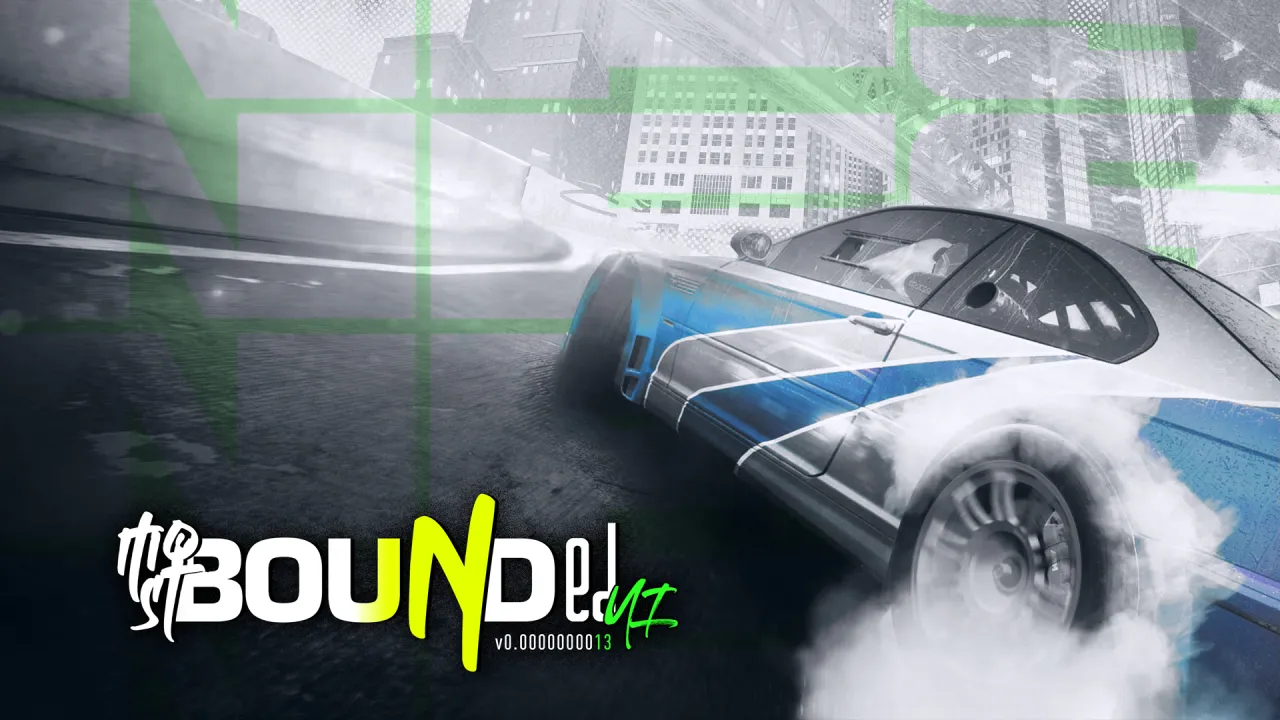
Most Bounded UI is an experimental project that aims to reimagine the User Interface and Heads Up Display (UI/HUD) of Need for Speed: Most Wanted, which is heavily based on the UI/HUD of Need for Speed UNBOUND with some from other NFS titles.
Prev. Version : v0.0000000001
Latest Version : v0.0000000013
Changelog
----------------------------------
Update v0.0000000013 (Current - 16.03.2026):
- New Photofinish
- New EA Trax UI
- New Icons for Minimaps
- New Splashscreen
- Update HUD
- Unlimiter compability fix (by Using update_string method for string editing instead of replace English.bin as a whole)
Initial Update v0.0000000001 (14.02.26):
- New Heads Up Display (HUD)
==================================
Requirement
----------------------------------
Ultimate ASI Loader ThirteenAG
CustomFont mod Xan1242
==================================
Installation
----------------------------------
0. IMPORTANT: Always have a Backup for Everything. Current Version doesnt have Uninstall options yet.
1. Download the mod from Download section
2. Unpack the archive
3. Run Binary/Binarius and choose User Mode
4. Find MostBoundedUI.end inside the folder you previously unpack
5. Then find the NFSMW Folder that you want to mod
6. Choose "Install" then OK twice.
7. Choose Save and you can start your game!
==================================
Have fun!
SourceCode
Comments

InXP (April 10, 2026 @ 06:46)
@John7K9 what do you mean? can you provide a screenshot?
John7K9 (April 10, 2026 @ 04:30)
SaintRaid Can you recheck Mod because what's shown on these screenshots is completely does'nt appear normally as yuors... Thanks.Waiting for your Resend Mod.
InXP (April 06, 2026 @ 13:34)
@SaintRaid can you provide screenshot?
SaintRaid (April 06, 2026 @ 12:53)
Update on EA trax popout: i have my own done via SAT editor - replaced manually inside GlobalA.bun - it finally works.The question about leaderboards still intact.
SaintRaid (April 06, 2026 @ 12:49)
Hello.I installed the UI. For some reason i have:
- race position/leaderboards misaligned, placed on the center of the screen.
- EA Trax pop out haven't changed.
Using 21:9 monitor. What could go wrong here?