[NFS:HPR] Decal Library Tool

A GUI tool for browsing, previewing, exporting, and importing decal textures for Need for Speed: Hot Pursuit Remastered
Installation
1. Get the Decal Library Tool archive from the Release page.
2. Extract the files into any of your workspace folder.
3. Run NFSHPR - Decal Library Tool.exe.
4. Configure your game/mod path that contains DECALLIBRARY.
Source Code
Virustotal Scan
- Complete Texture ID List

- Full Preview of Each Decal Textures
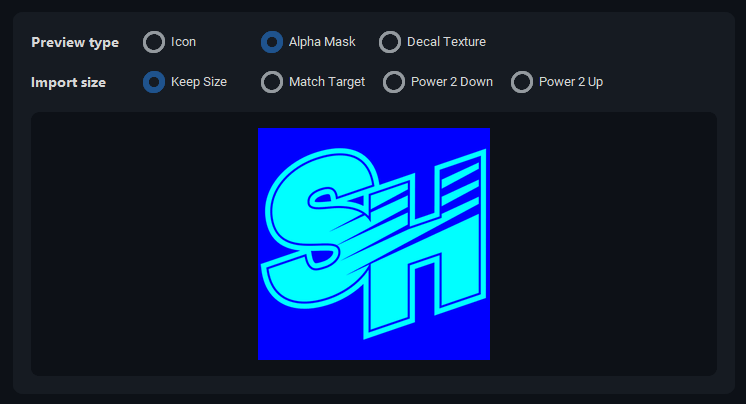
- Quality of Life / Usages

Having issues?
Report in the Github Repository
Comments

Xpr3xa (June 29, 2026 @ 17:35)
Nice! A proper tool👌
AkaSokuro (May 28, 2026 @ 03:06)
Incase if the game is crashing after you have modified a decal, you could change the "Import Size" to either "Power 2 Down" or "Power 2 Up". That's a game engine limitation causing the crash when the decal you modified has non-standard dimension.
AkaSokuro (May 28, 2026 @ 03:03)
Sorry for the late reply, unfortunately I don't really have a demonstrate video for this tool since it's pretty straightforward.Here's the few steps you can try though.
1. Setup your directory, Game root folder (for where NFS11Remastered.exe is) and Modified decal folder is for where you want the modified decal files to be (Can be the same folder as Game root)
2. Choose any decal you want to edit on the left panel.
3. Click "Import Complete" and choose an image you want to modify into.
4. Done.

Popy12 (May 20, 2026 @ 22:09)
สวัสดีค่ะ ฉันมาจากอาร์เจนตินา และฉันอยากเพิ่มสติกเกอร์ของตัวเองมาหลายปีแล้ว แต่ทำไม่ได้สักที ฉันลองใช้โปรแกรมแปลภาษาอังกฤษแล้ว แต่ก็ไม่ได้ผลเช่นกัน ถ้าคุณมีช่อง YouTube ที่อธิบายวิธีการทำทีละขั้นตอนอย่างละเอียด จะเป็นประโยชน์มากเลยค่ะ ขอบคุณค่ะ