NFSMW: Silent Hill Edition V1.0
================================================
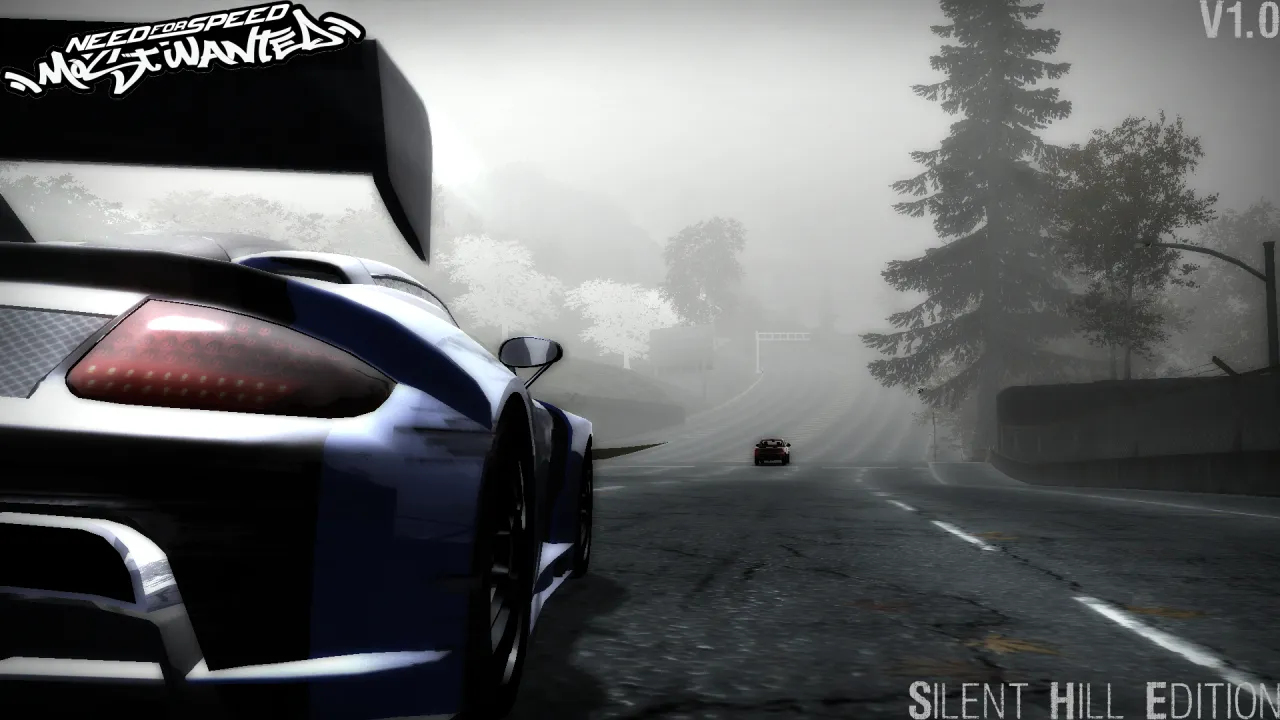
A fog-heavy visual preset for Need for Speed: Most Wanted (2005), made to give Rockport a cold, gray, Silent Hill-inspired atmosphere.
INSTALLATION
------------
1. Install RockportFX first.
RockportFX is required for this preset to work properly.
Download RockportFX here:
https://www.nfsaddons.com/downloads/nfsmw/tools/11078/rockport-fx.html
2. After RockportFX is installed, open this mod's folder.
3. Copy the "scripts" folder from this mod.
4. Paste the "scripts" folder into your Need for Speed: Most Wanted 2005 directory.
Example:
C:\Program Files (x86)\EA Games\Need for Speed Most Wanted\
5. If Windows asks to merge folders or replace files, allow it.
6. Launch the game and load the preset via F11 or it should pop up when booted.
7. Use RockportFX in-game to load/use the preset.
IMPORTANT NOTE
--------------
Some users may see Windows Defender flag RockportFX.asi as a virus.
This is a false positive with RockportFX. If you downloaded RockportFX from the official NFSAddons link above, it should be the intended file for the tool.
CREDITS
-------
RockportFX tool:
Original RockportFX author: 0XCIPH3R
Preset:
Rockport: Silent Hill Edition V1.0
NOTES
-----
This preset is meant to look gloomy, foggy, and horror-inspired. It is not meant to be a vanilla-style or realistic lighting improvement.
Comments

MrLame217 (August 14, 2026 @ 14:05)
for me, wasn't horror at all....it was like.....foggy of.... something idk
