NFSHPR: Classic Visuals Reshade
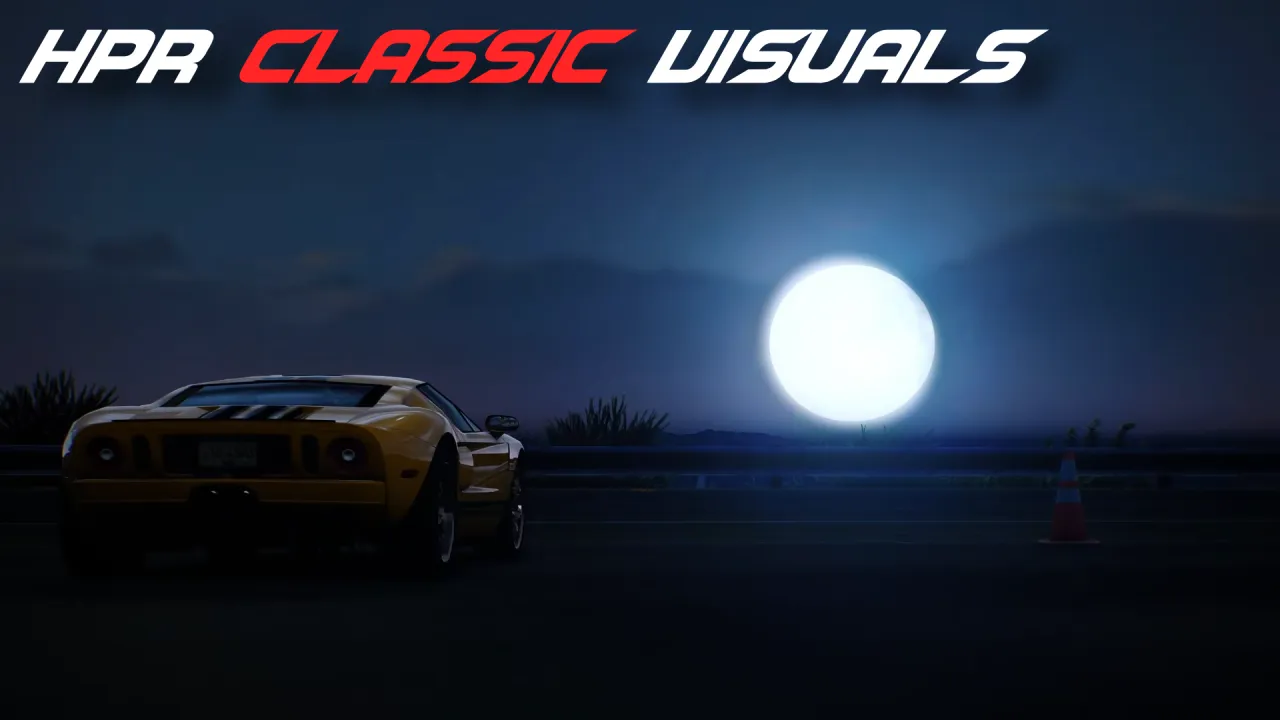
Description:
This ReShade pack brings back the looks of the original HP10, more specifically the console versions! Experience the remaster like it was always meant to be!
The remastered version lost all the color and contrast, compared to the original, resulting in a very flat and uninspiring tone. I couldn't find anything that fixed this without majorly changing the art style of the base game, so i made a preset myself!
There are 2 available versions: DirtyBloom features moderately more intense bloom with special lens flare effects, which i personally prefer, but looks closer to a NFS Rivals theme. So I've disabled these effects for the NoBloom preset - it retains the default lighting, so it's much closer to the original visual of HP10. Watch the showcase and see which one you prefer! Both are supplied in the download file.
Hope you enjoy as much as i did!
Installation:
(All information below is also provided in the ReadMe.)
- It's as simple as unpacking the files inside the ZIP file to HPR's root / main directory. (Default path: C:\Program Files x86)\Steam\steamapps\common\Need For Speed Hot Pursuit Remastered)
- Naturally, ReShade is required for this to work. For those who don't have it, follow the guide below:
- Install and run ReShade --> official website download link: https://reshade.me Add-on setup isn't required, so download whatever you prefer. (version 6.7.3 was used)
- Select HPR from the list (if you can't find it, click browse and go to the default path: C:\Program Files x86)\Steam\steamapps\common\Need For Speed Hot Pursuit Remastered and select NFS11Remastered.exe )
- Select Direct X 10/11/12
- Select every effect, by unchecking and checking the top button, and install
- If you have an add-on page next, you can skip it. That's it!
Comments

Tidebreaker (August 07, 2026 @ 23:12)
*tyler morgan impressed*
YouTube Video
Youtube videos are disabled.