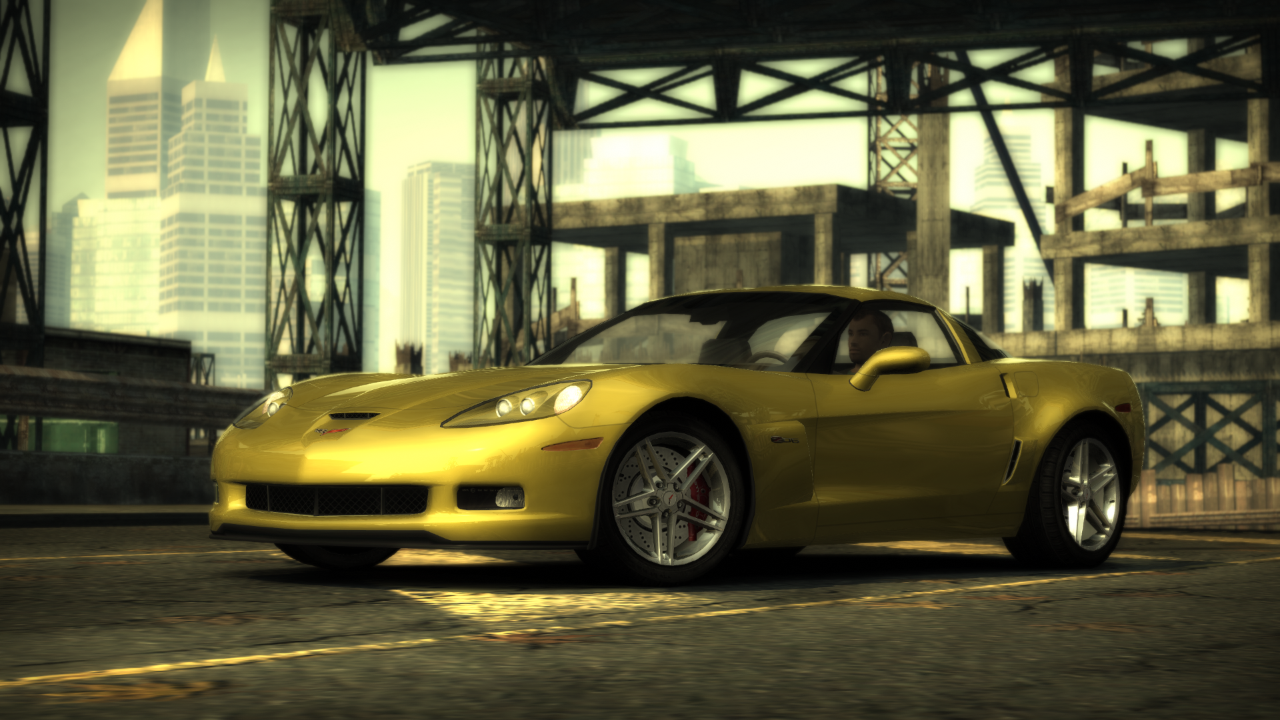
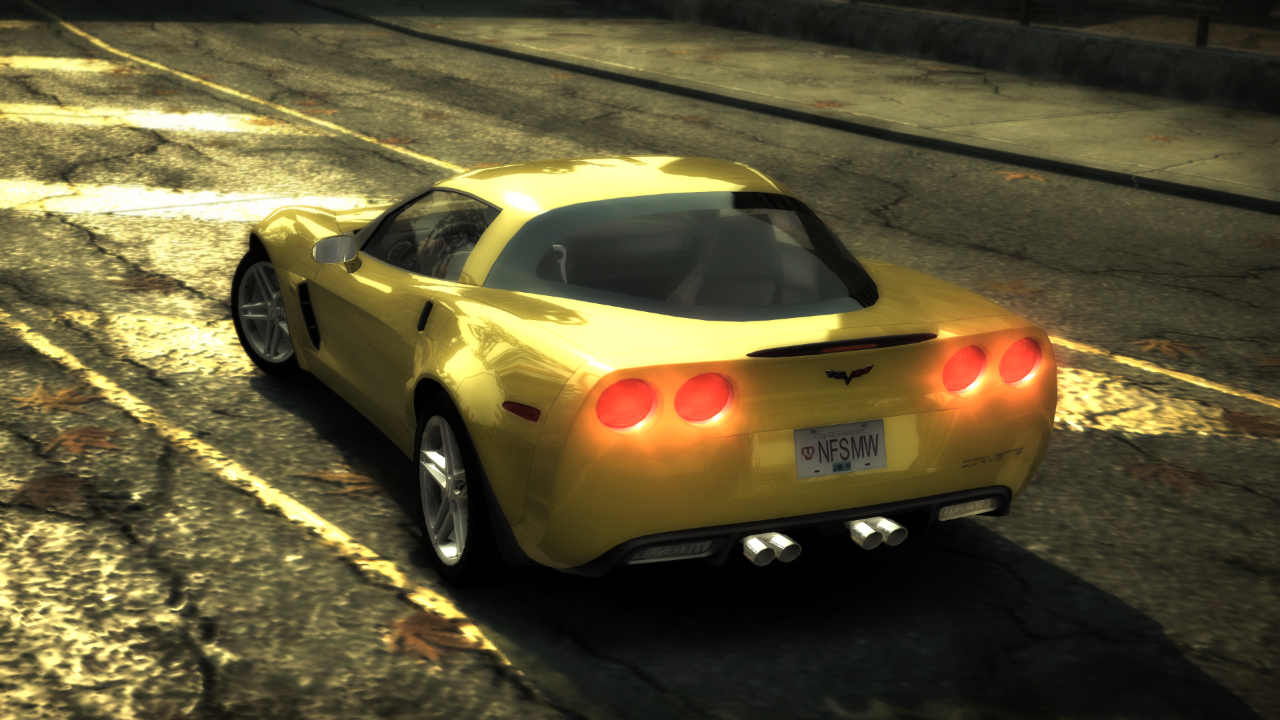
Corvette Z06 (C6) (Addon)
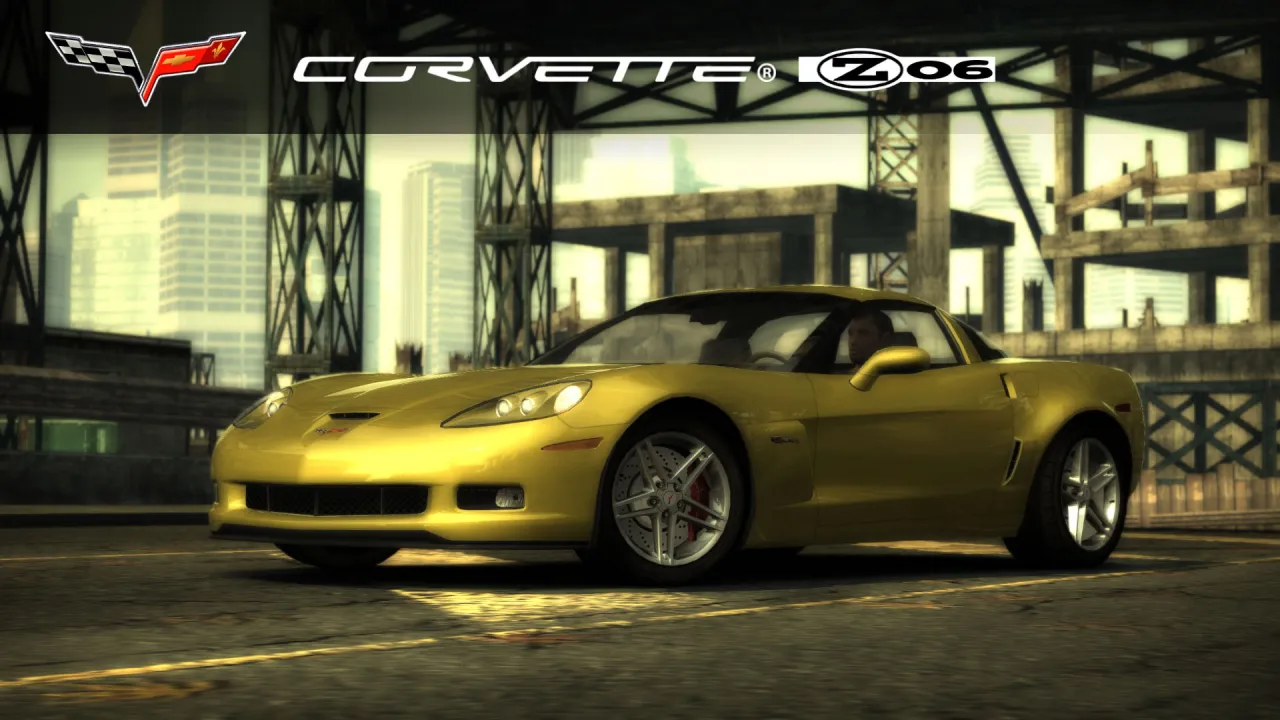
Why has hardly anyone cared about this car around here all these years?
Converted by balcone
Performance by balcone/810
Requires:
- Binary
- VltEd/OGVI
- NFSMW Unlimiter
Features:
- VltEd & OGVI both supported.
- Custom performance data.
- Working headlight textures (on/off).
- Working brakelight textures (on/off).
- Available after beating Webster, Blacklist #5 in career mode.
- Cost $155,000
- Driver "Paul"
- LOD parts
- Damage (Scratches)
Parts:
- 5 Bodykits
- Spoilers
- Rims
- 8 Hoods
- Roof Scoops
Visual:
- Paint
- Vinyls: 512x and 1024x. Fully compatible with NFSMW Recompiled Vinyls (Bounty Hunter Cross vinyl included)
- Rim Paint
- Window Tint
- Decals
- Numbers
- Custom Gauges
Known Issues:
- Please report if you see any other issues.
Minor Issues:
- Fewer hood choices than the vanilla cars have.
Installation:
WARNINGS:
! If you have installed add-on cars via Ed or NFSMW ReCompiler before, this car may break your game.
Please backup these files before doing anything.
- Frontend: FrontA.bun, FrontB.lzc
- Global: Attributes.bin, FE_Attrib.bin, Gameplay.bin, Gameplay.lzc, GlobalB.bun, GlobalB.lzc
- Languages: Whole folder
! If you have NFSMW Mod Loader and replacement cars installed using it, please remove them.
This mod WILL BREAK Mod Loader compatibility.
1) Download and install the latest version of NFSMW Unlimiter (which should be v4).
2) Install required car data using Binary: (Compatible with v2.8.3 and up)
1) Download and install the latest version of Binary
2) Run Binary as administrator.
3) Select User Mode. (Tap/click the icon on left.)
4) Select the "Binary_setup.end" from the dialog and tap/click OK.
5) Select your game installation directory.
6) Installation prompt will appear. Choose "Install" to continue with the installation.
7) Wait for it to get installed.
8) When the file save prompt appears, tap/click Yes.
9) When the run game prompt appears, tap/click No.
10) Quit Binary.
3) Install required vault data using VltEd/OGVI
1) Download and install the latest version of VltEd/OGVI
2) Run VltEd/OGVI as administrator.
3) When the main window appears, select File > Open from the menu bar, or press "Ctrl+O".
4) A new dialog will appear. Choose your game installation directory.
5) Select File > Import > ModScript from menu bar, or press "Ctrl+I".
6) Select the "Vlted_setup.nfsms/OGVI_setup.nfsms" from the dialog and tap/click OK.
7) Mod script installation dialog will appear. Choose and tap/click Install to install the mod.
8) Save the files by selecting File > Save from menu bar, or pressing "Ctrl+S".
9) Quit VltEd/OGVI.
4) Run your game and create a new save game; or use a save patcher (not recommended).
5) Done. Enjoy!

Credits:
- Binary by MaxHwoy
- Binary Install Script Template by AJLethal
- Unlimiter & Binarius by Nlgxzef
- CarToolkit & VltEd by nfsu360
- OGVI v1.4 by ARCHIE
- HD Car logo from here
Comments

alexdivi96 (September 01, 2026 @ 20:08)
@balcone yes Exactly
balcone (September 01, 2026 @ 20:04)
@alexdivi96 Did you choose the wrong resolution for the vinyls?I've tested both the x1024 and x512 versions. They should be fine.

ChristianNFSBrazilModder (September 01, 2026 @ 19:39)
Let's go!!! finally a Corvette Z06 from NFS Carbon to NFSMW!
YEG38NFSMW2005 (September 01, 2026 @ 19:32)
isn't this car the same as the base corvette c6 in MW?