Dynamic Camera FOV for Carbon
Source Code (click)
--
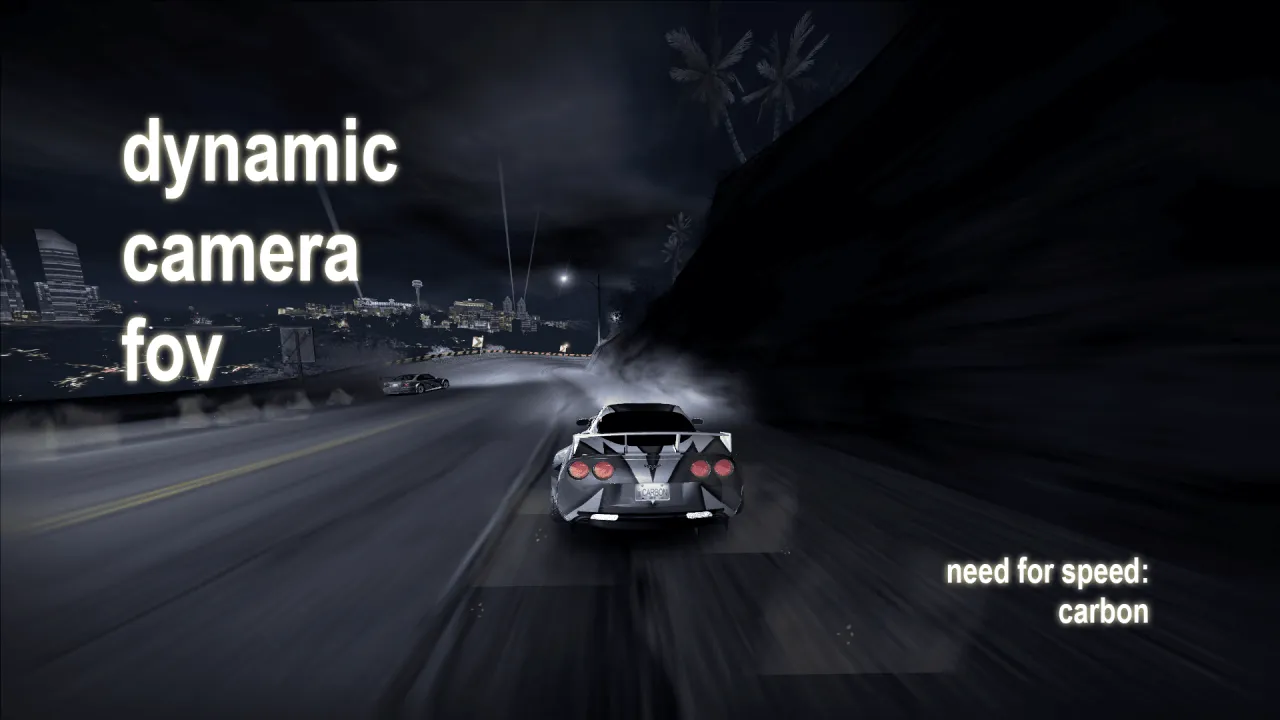
This .asi mod/script is an attempt to create a dynamic camera FOV behavior for NFS Carbon's camera. The faster you go, the wider the FOV.
How it works:
When enabled, the script temporarily patches/disables an original game function that writes/calculates the camera FOV. Then it calculates new FOV values in real-time, with the player's vehicle speed as the base.
Features:
- Set initial/starting FOV
- Set max/target FOV
- (experimental) Apply smoothing methods (graphs/curve) to how the FOV increases and decreases. There are 3: linear, cubic-in, and cubic-out.
- Set at what car speed the FOV should reach its maximum value
- Set hotkey to toggle
Known bugs and issues:
- Interferes with FOV of photo mode and the game moment cameras (jump, pursuit breaker, roadblock, speedbreaker)
How to install & use:
1. Make sure you have installed ThirteenAG's Ultimate ASI Loader (by the way, it's included in their Widescreen Fix for NFSC)
2. Put the scripts folder onto your game root folder
3. If you want to configure anything, edit the DFconfig.ini file
4. Press your hotkey to enable (default is F1 on the keyboard)
Extra notes:
- For an even better sense of speed and gameplay experience, this mod is best paired with:
BadassBaboon's Extended Cameras
ARCHIE's Motion Blur Control
- You can also adjust your own camera position settings using OGVI/VltEd to fit the FOV better
Changelog:
v1.0 - initial release
v1.0.5 (27/12/2025) - hotkey lag/not reading hotkey input properly fix
v1.0.9 (05/01/2026) - game state check (doesn't interfere with NIS cutscenes and frontend menus anymore), permanent/auto enable option, HUD string "Dynamic FOV Enabled/Disabled" when enable/disable, now responsive hotkey reading, adjusted default FOV and max speed values, changed default hotkey to F1 key.
Tools used:
CarbonSDK by Zolika1351 (for some reference)
Ultimate ASI Loader by ThirteenAG
Microsoft Visual Studio with MSVC Build Tools
ChatGPT (for coding assistance)
Thanks to:
kanadewest12 (Rice Shower), thunderbird512, budget_toaster on Discord - testing
you - for downloading (≧▽≦)
Extra:
Video Preview
Comments

hdr26 (May 01, 2026 @ 04:48)
Hopefully someone sees this, but both this and (im guessing) multiple other mods in scrips like the Custom HUD aren't working, i've tried messing around with files, using different "dinput8.dll" and even mess with a bunch of .ini files but nothing I do lets me enable or disable this mod with "F1"Please, if u can help me either send me a message thru here or discord, my tag's: .hdr.

Citizen2007 (January 30, 2026 @ 16:14)
When I try to drag extract the .asi file it has problems extracting it asking for administrator permission is a problem that never happen to me with other .asi folders and my copy of Carbon is not located in Program Files (x86)
carlangasnake (January 18, 2026 @ 23:55)
My recommended settings if u want something like ProStreet´s speed challenge feeling without the extreme wtf factor, reduce max_speed to 100 if u want a stronger effectinitial_fov = 15000
max_fov = 23000
graph_type = 2
max_speed = 140
senpaidarken (December 30, 2025 @ 14:25)
@carlangasnake That's an EP3 Civic Type R.
